

Data is cached on your devices and updates are fetched either manuell oder automatisch im Hintergrund.
Schnelle Links #
Manuelle Datenaktualisierungen #
If you pull down to refresh (iPhone/iPad and Android apps) or click the refresh button (Web app) on the product, order or customer lists, FooSales will perform a quick check to see if there have been any updates in WooCommerce to products or orders since the last time you manually refreshed the lists. Any new orders and updates to products or orders will automatically appear in the app and they will be cached on your device. Bitte beachten Sie that only newly registered customers will be fetched with background data updates. Any changes made to existing customers from your WordPress admin dashboard or through other devices running FooSales POS will only appear on your device when resetting locally stored data.
Automatische Datenaktualisierung #
Wenn Sie möchten, dass Updates regelmäßig im Hintergrund geholt werden, während Sie die App verwenden, können Sie diese Funktion aktivieren, indem Sie die Häufigkeit festlegen, mit der FooSales nach Updates suchen soll. Wenn Sie die Bildschirm Einstellungen In der App gibt es einen Schieberegler, mit dem Sie einstellen können, wie oft diese Hintergrundaktualisierungen stattfinden.
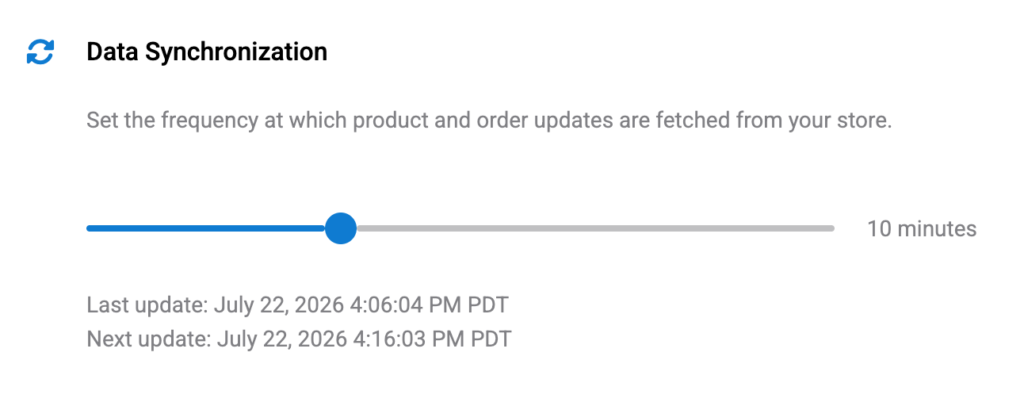
Einstellung des Schiebereglers auf seinen Mindestwert von 0 Minuten (zero) will disable automatic background updates. In this scenario, the only way to fetch updates would be the manual method explained above by pulling down to refresh (iPhone/iPad and Android apps) or clicking the refresh button (Web app) on the product, order or customer lists.
Please note that if you minimize or close the FooSales app, the background data updates will be ausgesetzt um unnötigen Akku- und Datenverbrauch zu vermeiden. Wenn Sie die Tablet-App wiederherstellen oder öffnen, werden die Hintergrundaktualisierungen fortgesetzt. Eine Aktualisierungsprüfung wird durchgeführt, sobald die App nach dem Herstellen einer Verbindung zu Ihrem Store wieder aktiv wird, und dann werden weitere Prüfungen in der angegebenen Häufigkeit durchgeführt.
Resetting Locally Stored Data #
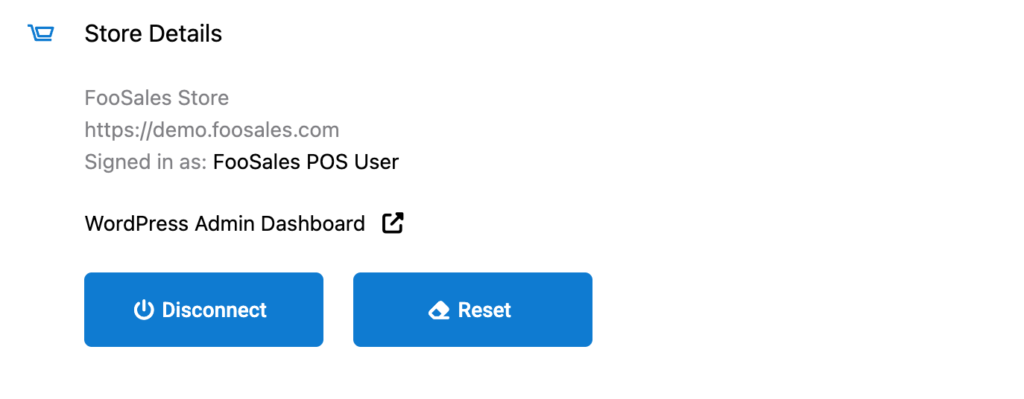
If you want to clear all cached data on your device and redownload the latest data, you can do so simply by tapping the Reset auf der Schaltfläche Einstellungen screen to remove all locally stored data and redownload your store data. This might take a few minutes and you won’t be able to use the app until the process is complete. After this FooSales will store the data locally on the device again.
 English
  German
  Dutch
Dutch  Spanish
  Italian
  Portuguese
  French
  Polish
  Czech
Czech  Greek
Greek